
Installation is a component of SQL Server 2012
This section is a summary of dialogs for installing SQL server 2012.
Note: If you view dialog boxes not listed here, use the default selections.
Default Instance

Figure 2.
Service account Setup
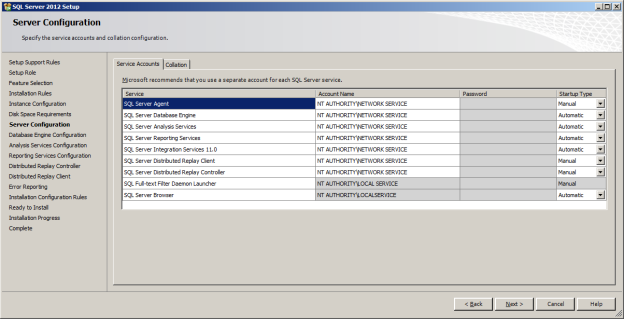
Figure 3.
Database Engine Configuration and Authentication Mode
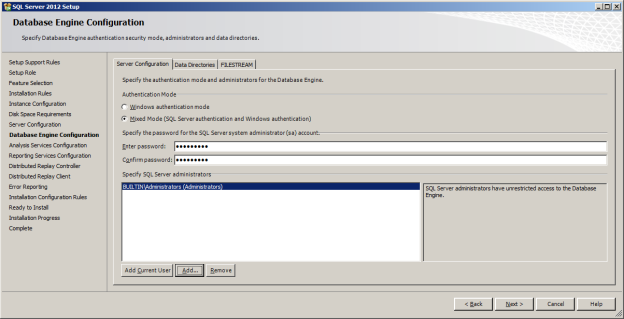
Figure 4.
Analysis Services Configuration

Figure 5.
Reporting Services Options
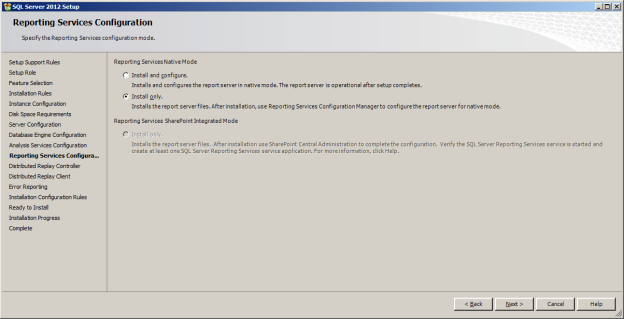
Figure 6.
Remaining Selections
The default selections can be used from this point forward.